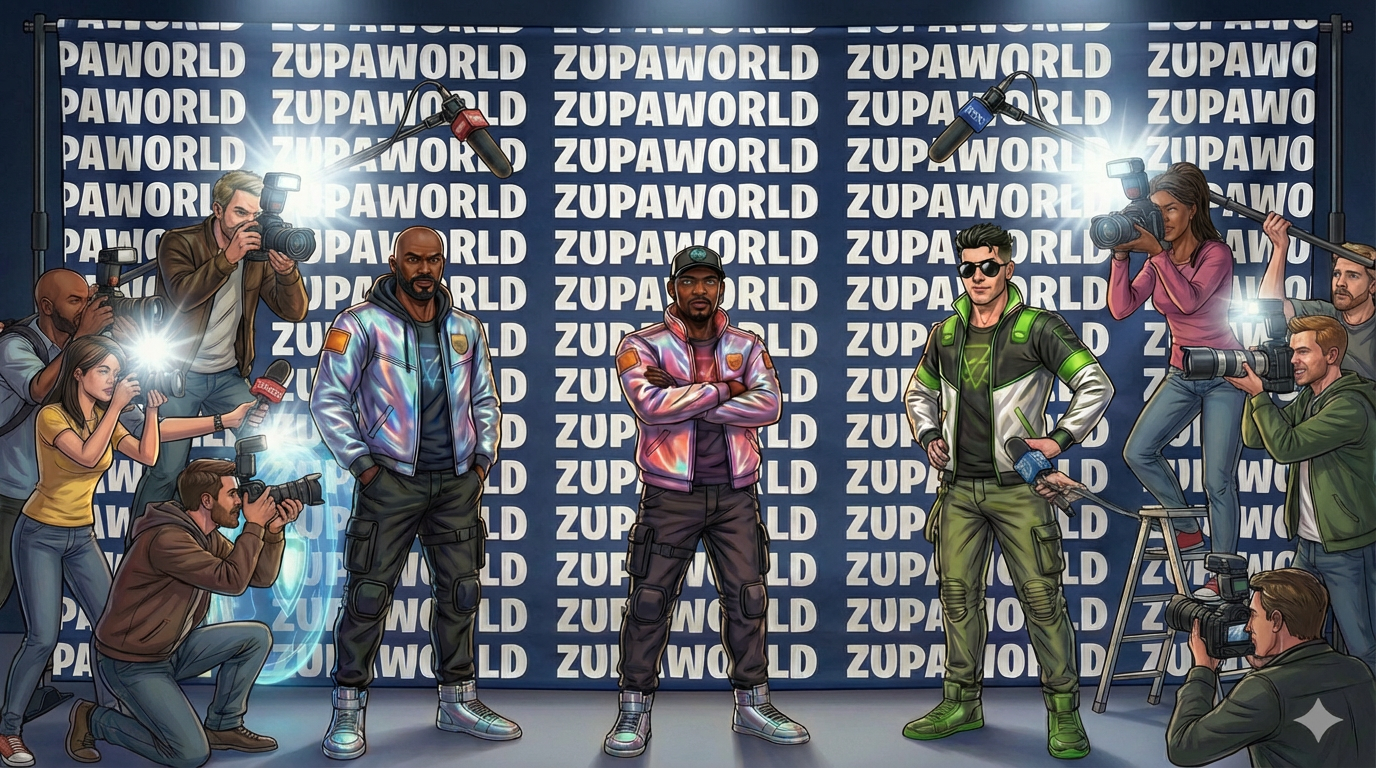
A custom Fortnite Creative island experience. ZupaWorld is now available — jump in within minutes, and spread the word.
Featured · Fortnite Creative
01 — Prerequisites
Whatyouneed.
✓A Fortnite account
✓Fortnite installed — PC, PlayStation, Xbox, or Switch
✓An internet connection
Fortnite is free to download and play
02 — Access
Stepbystep.
Private island code
The private island code for entrance into the ZupaVerse. Tap the code or the button to copy it, then paste it into Fortnite’s island-code field.
Step 01
Search for Zupa World
Open Fortnite and go to the Search tab
Type “Zupa World” in the search bar and select the experience when it appears
Click Play to enter
Step 02
Watch the Opening Trailer
When you arrive, the official opening trailer for Zupa World will begin
The trailer stars ZupaNova featuring Phazehop
Please allow the trailer to play all the way through. Pressing a button may automatically skip the video
Step 03
Enter the Game
Once the trailer finishes, look toward the stage area
Near the right side of the stage and to the left of the weapons chest, you will see a blue portal
Walk up to the portal and jump through it to begin the experience
Step 04
Play Over the Next Few Days
If you enjoy Zupa World, we encourage you to jump back in and play over the next few days
Player activity helps signal to Fortnite's discovery system that players are enjoying the experience, which helps us continue bringing concerts, fashion shows, and future events to Zupa World
03 — Tips
Quicktips.
01
Look for Discover
02
Use Search / Island Code
03
Press Play when loaded
04 — FAQ
Commonquestions.
This is a Fortnite Creative Island built using official Fortnite Creative tools.
No. Fortnite Creative islands are free to access.
Yes, you can use the private island code provided above to enter the ZupaVerse.
05 — Stay updated
Stayintheloop.
Bookmark this page so the island code is one tap away — concerts, fashion shows, and future events all drop here first.
 Featured · Fortnite Creative